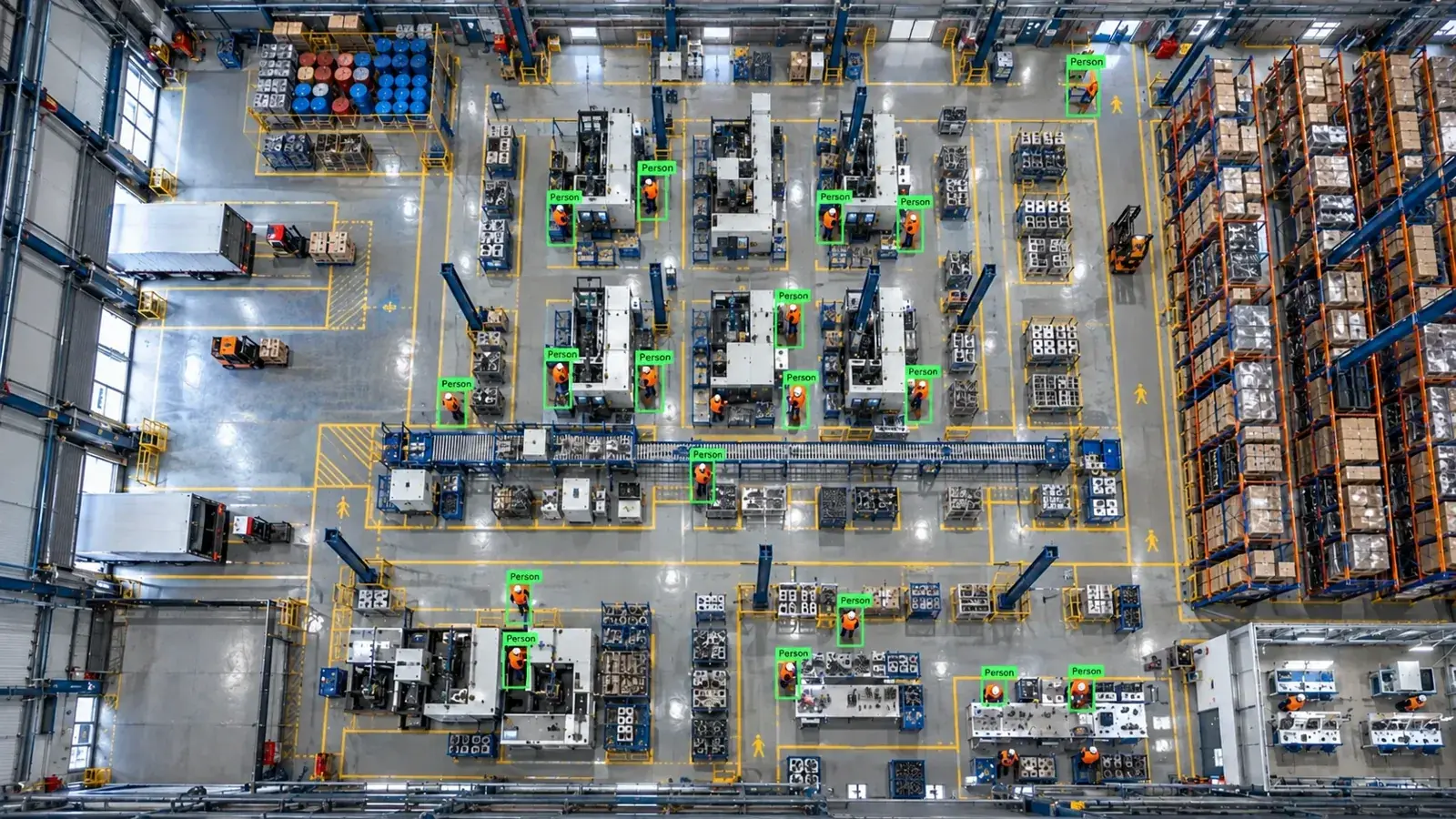
Automatic shipment counting at the truck loading dock: every load, every vehicle on recordAn existing camera covering the dock detects the trailer and forklift automatically; loads entering the trailer are counted and shipment quantity and video evidence are matched against the order.2026-10-12
At a plant's dispatch dock, the quantity loaded into each truck was counted by hand at the end of loading and compared with the delivery note. Short or over-loading was only noticed at the customer, with no evidence for disputes. Hype Vision started counting and recording loading automatically using the existing camera covering the dock.
Counting depended on the operator; at busy times or shift changes numbers could get mixed up.
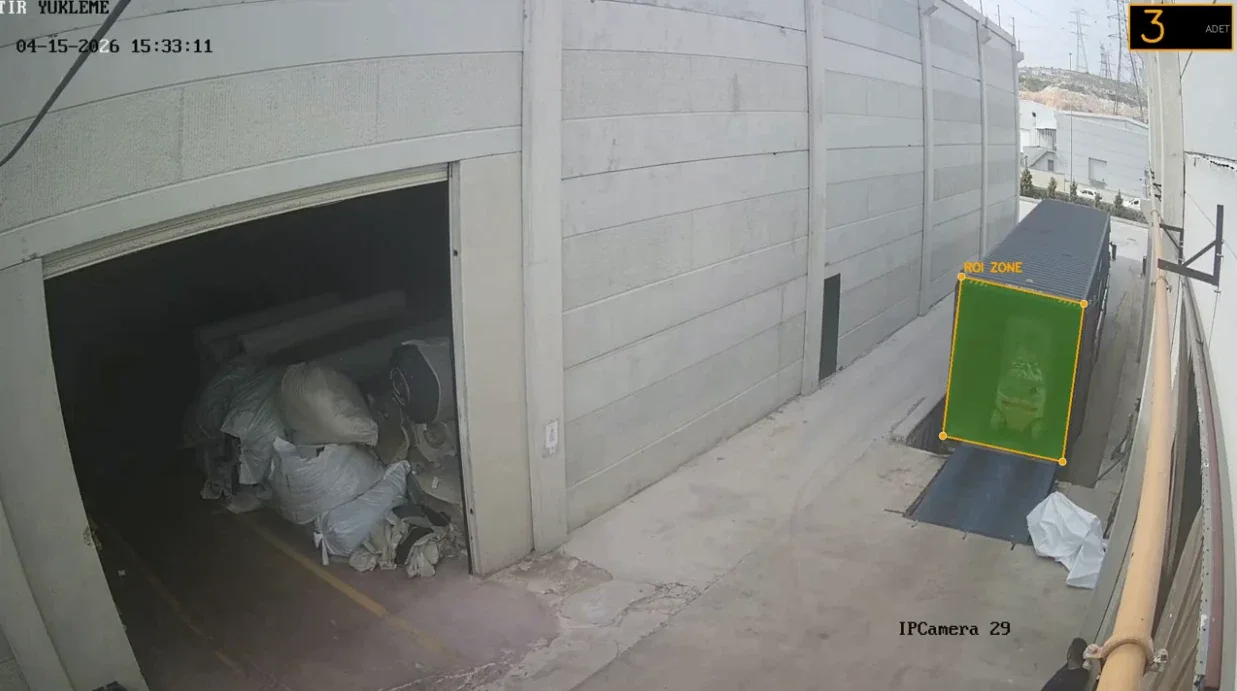
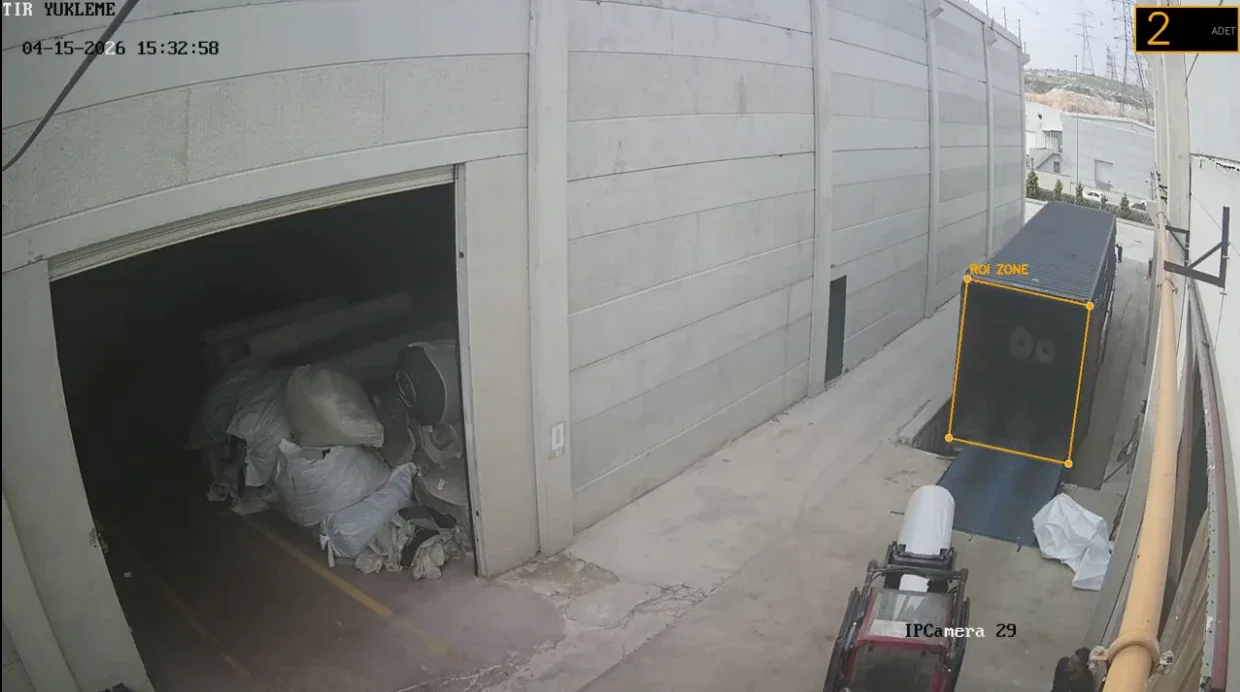
The trailer's rear door is used as the counting zone (ROI).
Automatic load count per vehicle; Order vs. loaded differences caught before the truck leaves; Video evidence for customer claims
Problem
Counting depended on the operator; at busy times or shift changes numbers could get mixed up. For customer 'short delivery' claims there was no footage, and it was unclear whether the issue came from loading or transport.
How it works
The trailer's rear door is used as the counting zone (ROI). It can be a fixed zone defined per dock and editable in the dashboard, or detected automatically each time a new truck backs in.
The forklift and its load are tracked; when a load enters the trailer zone and the forklift leaves empty, the counter increments. Reverse movements are subtracted. Every count is saved with that moment's image.
- Automatic trailer and rear-door detection
- Counting zone (ROI) editable in the dashboard
- Forklift + load tracking for in/out direction
- Loading start–end time per vehicle
Shipment tracking
Load count, duration and evidence frames are collected in one shipment record per vehicle and compared with the order quantity in the delivery note or ERP; any difference triggers an alert before the truck leaves.
| Vehicle | Order | Counted | Time | Status |
|---|---|---|---|---|
| Truck #1 | 24 | 24 | 18 min | OK |
| Truck #2 | 30 | 28 | 22 min | Short · alert |
| Truck #3 | 18 | 18 | 13 min | OK |
Results
Shipment counting moved from a manual task to an automatic, evidence-backed process.
- Automatic load count per vehicle
- Order vs. loaded differences caught before the truck leaves
- Video evidence for customer claims
- Dock utilisation and loading times measured
- No more manual counting or count sheets
Related solutions
Frequently asked questions
Does each dock need separate setup?
The zone is defined once per dock camera; with automatic trailer detection, counting continues even if the truck position changes.
Can loose items be counted, not just pallets?
Yes; the model is trained per product type. Rolls, sacks, cartons or pallets can be counted separately.