
How to Choose the Best Video Analytics SoftwareA practical buyer's guide to choosing video analytics software: the three main approaches, an evaluation checklist, questions to ask vendors, and where edge, on-premise platforms fit.
"Best video analytics software" depends entirely on your situation: the cameras you already run, whether video can leave your site, which detections you need, and how you want to pay. A tool that is ideal for a cloud-first retail chain can be the wrong choice for an air-gapped factory.
This guide explains the main approaches to video analytics, gives you a vendor-neutral evaluation checklist, and lists the questions worth asking before you commit — so you can judge any option, including Hype Vision, on the same criteria.
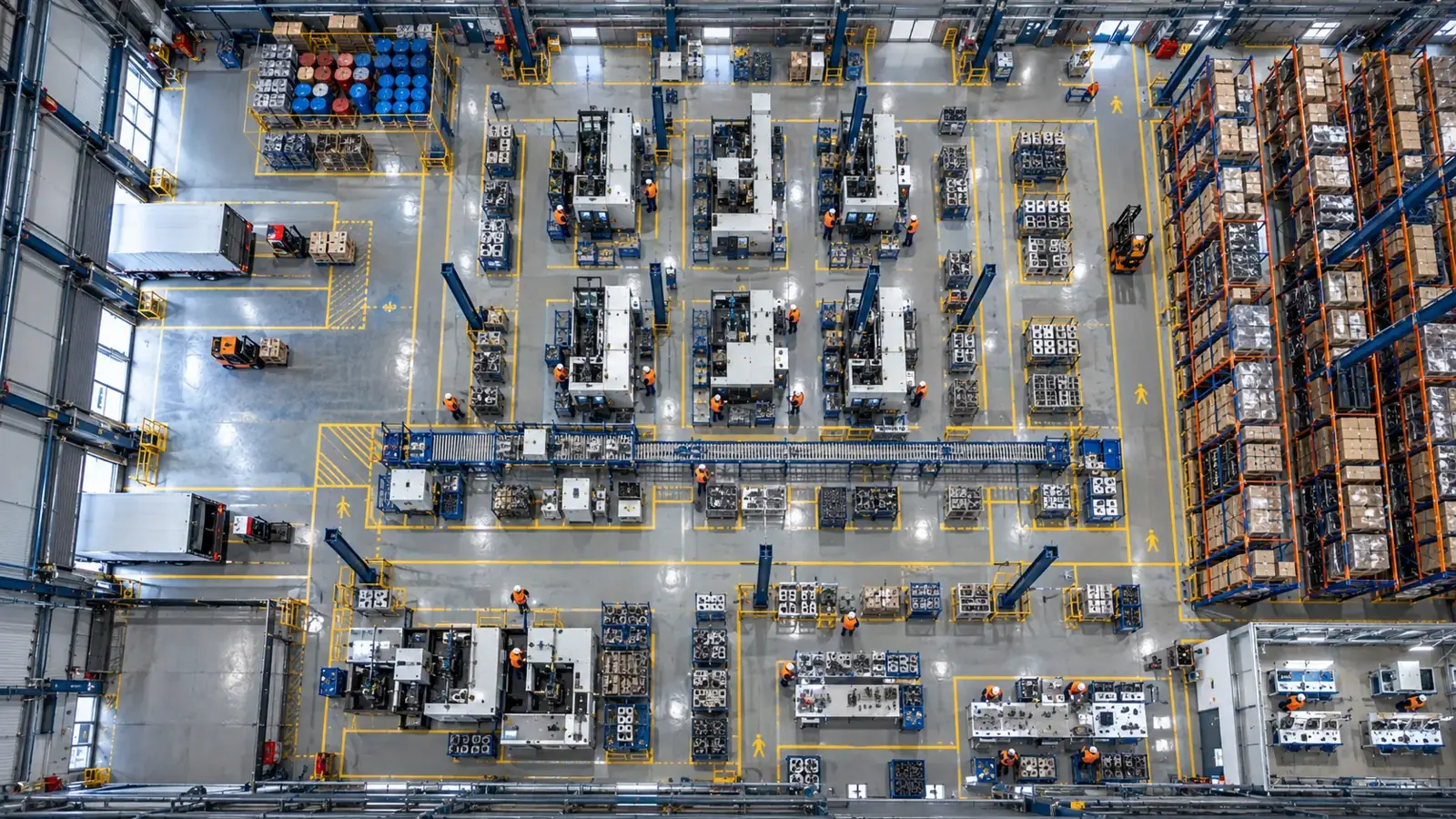
There is no single "best" video analytics software — the right fit depends on your cameras, where processing runs, which analytics you need and your privacy requirements. This guide gives you a checklist to decide.
Three ways to add video analytics
Most options fall into one of three categories. They are not mutually exclusive — many sites combine them.
| Approach | What it is | Strengths | Limits |
|---|---|---|---|
| Camera built-in analytics | Detection running inside the camera's own chip | No extra server; simple for basic events | Fixed to that brand/model; limited models; hard to update |
| VMS / NVR add-on | Analytics modules added to your recorder or VMS | Uses existing recording stack | Tied to that VMS; module choice and accuracy vary |
| Dedicated AI platform | A separate engine that reads camera streams and runs AI | Brand-agnostic; many modules; on-prem or cloud; one camera feeds several analytics | Needs an edge/GPU server; choose a vendor that fits your privacy and support needs |
Evaluation checklist
Score each option against the same criteria:
- Works with your existing cameras (RTSP/ONVIF) and is brand-agnostic — or forces a rip-and-replace
- Processing location: on-premise/edge vs cloud, and whether video has to leave your site
- Privacy and compliance: anonymization, data residency, KVKK/GDPR fit
- Which analytics it actually covers (PPE, forklift-pedestrian, quality, counting, etc.) and whether one camera can feed several
- Accuracy on your real conditions — not a demo reel; insist on a pilot with your own footage
- Deployment effort, hardware sizing, and how a pilot scales to production
- Pricing model: per-camera, per-module, perpetual vs subscription; total cost including hardware
- Integration: dashboard, API/webhook, PLC, VMS; and the quality of support
Questions to ask any vendor
- Can you run on our existing cameras, or do we need new ones?
- Does video stay on-premise, or is it sent to your cloud?
- Can we pilot on our own cameras and footage before committing?
- How is accuracy measured, and what happens when conditions change (light, angle, dust)?
- What is the full first-year cost, including hardware and support?
Where edge, on-premise platforms like Hype Vision fit
Hype Vision is a dedicated AI platform in the third category: it connects to the IP/CCTV cameras you already run over RTSP/ONVIF, processes on an on-premise edge server (footage stays on site), and is brand-agnostic. It suits teams that want many analytics modules on existing cameras with strong privacy and no rip-and-replace.
It is not the only valid choice — if you are fully cloud-first with no on-prem constraints, a cloud camera's built-in analytics may be enough. The point of this guide is to decide on criteria that fit your site, then run a pilot before committing.
This page answers: best video analytics software · video analytics software comparison · how to choose video analytics software · ai video analytics vendors · video analytics buyer's guide · on-premise vs cloud video analytics
Frequently asked questions
What is the best video analytics software?
There is no single best option; it depends on your existing cameras, whether video can leave your site, which detections you need, your privacy requirements and your budget. Use a fixed checklist to compare options and run a pilot on your own footage before deciding.
Do I need special cameras for video analytics?
Not usually. A dedicated AI platform like Hype Vision runs on existing IP/CCTV cameras over RTSP/ONVIF. Specialized industrial cameras are mainly needed for micron-level quality inspection.
On-premise or cloud video analytics — which is better?
On-premise/edge keeps video on site with lower latency and predictable cost, which fits factories, energy and privacy-sensitive sites. Cloud can help with multi-site dashboards. Many deployments combine both; the heavy video processing usually stays at the edge.
How should I compare video analytics vendors?
Score each on the same criteria: existing-camera support, processing location and privacy, which analytics are covered, accuracy on your real conditions, deployment, pricing and integration. Then pilot the shortlist on your own cameras.
How much does video analytics software cost?
It varies by camera count, modules, server and whether it is subscription or perpetual. Ask every vendor for a full first-year cost including hardware, and clarify what a pilot covers.
What can AI detect in your factory?
Let's review together which safety, quality and production analytics your existing security cameras can deliver.
- Free 15-minute technical call
- Camera infrastructure pre-assessment
- Feasible AI scenarios