
Adding AI Without Replacing Your Cameras: How It WorksExplore how to upgrade CCTV to AI without camera replacement. Compare built-in, central on-prem, and cloud AI solutions for privacy and performance.
Upgrading existing security camera systems with AI-based analytics is increasingly popular for improved facility safety and operational insight. However, many organizations want to avoid costly camera replacement or downtime.
This guide compares the main approaches to adding AI without replacing cameras—built-in (in-camera), central on-premise, and cloud-based AI—and reviews their advantages, challenges, and ideal use cases for US-based businesses.
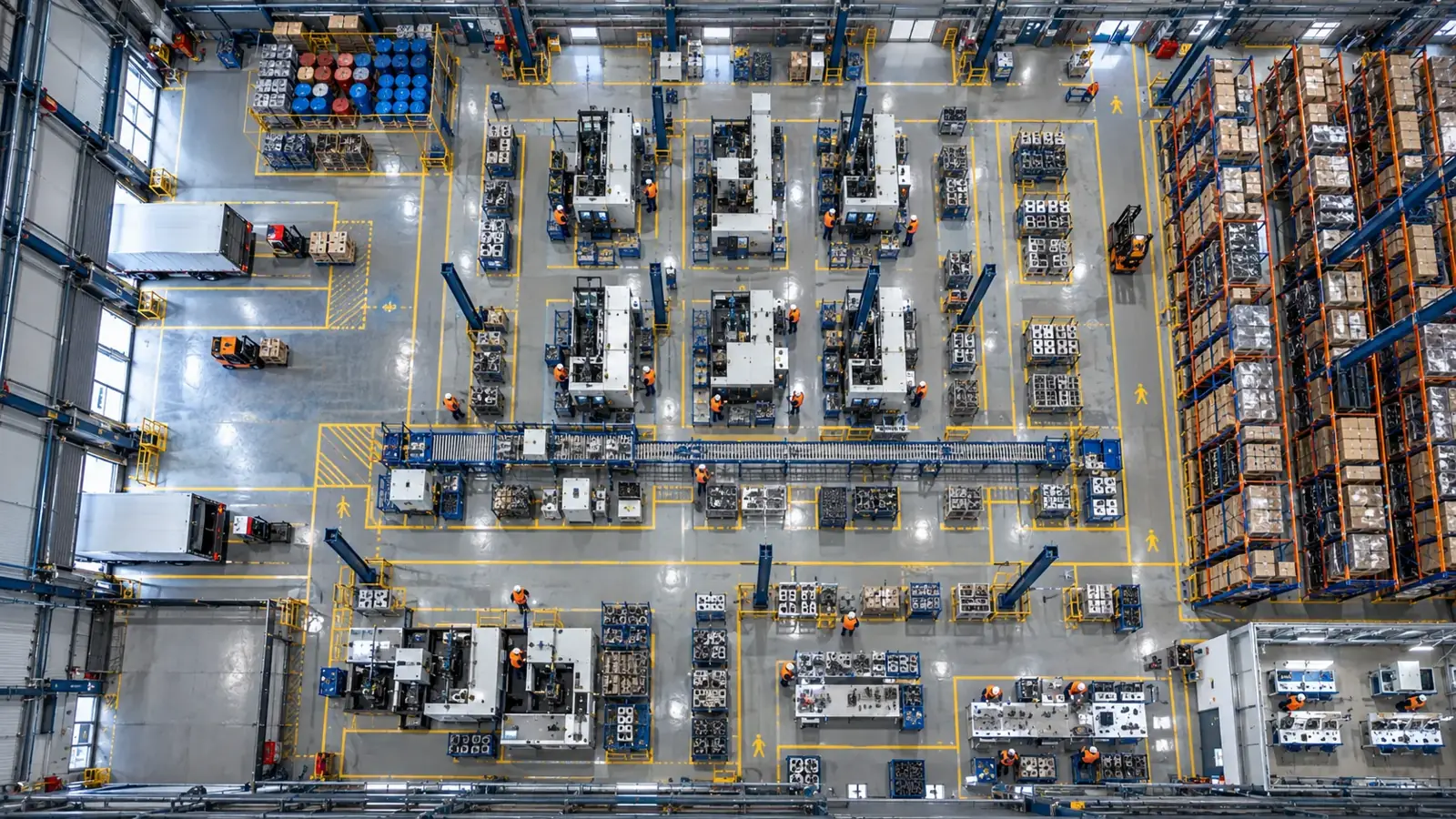
You can add AI overlays to your current CCTV setup without ripping and replacing cameras by leveraging built-in AI in cameras, central on-premise AI hardware connecting via RTSP/ONVIF, or cloud AI services. Each approach balances cost, privacy, upgrade flexibility, and integration complexity.
Understanding AI Upgrade Approaches for Existing Cameras
When upgrading a camera system to include AI-powered video analytics, there are three common approaches: integrated AI inside cameras, central on-premise AI servers, and cloud-based AI processing. Each method adds intelligence but interacts differently with your existing infrastructure.
Built-in AI uses edge processing within the camera itself. Central on-prem AI connects to existing cameras via typical streaming protocols such as RTSP or ONVIF without requiring changes to the cameras. Cloud AI uploads streams for remote processing, often limited by bandwidth and privacy considerations.
- Built-in AI requires newer smart cameras with compatible processors.
- Central on-prem AI works with brand-agnostic existing cameras supporting RTSP/ONVIF streaming, allowing software like Hype Vision’s Hype-Model to analyze footage onsite.
- Cloud AI depends on internet connectivity and may face data privacy and latency limitations.
Built-in AI (In-Camera): Pros, Cons, and Ideal Use
Cameras with built-in AI embed video analytics directly on device hardware. This enables real-time detection and alerts without extra servers or bandwidth.
Pros include reduced network load since only alerts or metadata are sent out, and potentially lower latency in detection. However, built-in AI depends on camera model and firmware, which may limit analytical flexibility and upgrade speed.
This approach is typically suited if you are deploying new cameras or have models with native AI capabilities but want simplified deployment without added infrastructure.
- Immediate AI processing on the camera edge.
- Limited by manufacturer’s AI models and firmware updates.
- Lower network buffer and data movement.
- Potentially higher initial investment for AI-enabled cameras.
- Less adaptable to new AI models without camera replacement.
Central On-Premise AI: Flexibility and Privacy Advantages
Central on-prem AI deploys a dedicated local server or appliance running AI models that connect to your existing cameras through streaming protocols like RTSP or ONVIF. This allows you to add advanced analytics without disrupting camera hardware.
With a setup like Hype Vision’s, which works alongside any brand and runs its Hype-Model AI software on-site, you maintain full control of video data, ensuring compliance with strict US privacy requirements and operational policies.
Since the AI processing is local, latency is improved, and integration with existing alerting systems (SMS, WhatsApp, ERP/MES, PLCs) is straightforward.
- Works with most existing IP or CCTV cameras supporting RTSP/ONVIF.
- Supports anonymous, privacy-preserving analytics options.
- Enables quick pilots (2-4 weeks) to validate AI use cases onsite.
- Centralized upgrades of AI models without changing individual cameras.
- Excellent for organizations with sensitive data or limited internet.
Cloud AI Solutions: Scalability With Trade-Offs
Cloud AI processes video streams remotely, offering easy scaling and access to continuous model improvements. It typically requires uploading full or partial video streams to vendor servers.
While cloud AI can be convenient for multi-site management, privacy regulations, bandwidth constraints, and platform compatibility can limit feasibility, especially with closed or proprietary camera ecosystems.
Cloud platforms often support only encrypted or partial streams (e.g., motion-triggered clips), possibly affecting analytics accuracy and timeliness.
- Scales easily across many sites with centralized management.
- Requires reliable, high-bandwidth internet connections.
- Potential concerns with data privacy and compliance.
- Dependent on cloud vendor’s API and platform integration.
- Often involves ongoing subscription costs.
Comparison Table: Built-in AI vs Central On-Prem AI vs Cloud AI
| Criterion | Built-in / in-camera | Central on-prem AI | Cloud AI |
|---|---|---|---|
| Camera compatibility | Requires AI-enabled cameras | Works with existing IP/CCTV cameras via RTSP/ONVIF | Often limited by camera and network capabilities |
| Installation complexity | Simpler; no separate hardware but camera-dependent | Requires onsite AI server/appliance | No onsite hardware; setup via cloud portal |
| Data privacy | Data processed locally in camera | Video and analytics kept onsite (privacy-friendly) | Video sent to cloud, potential privacy concerns |
| Latency | Low latency (edge processing) | Low latency (local network) | Higher latency due to internet transmission |
| Upgrade flexibility | Limited to camera manufacturer updates | Flexible software model upgrades with no camera change | Continuous vendor-side model updates |
| Scalability | Scale depends on camera count and type | Scale limited by on-prem hardware capacity | Highly scalable across locations |
| Cost | Higher upfront camera cost; less infra needed | Moderate hardware/setup cost; leverages existing cameras | Ongoing subscription, data, and bandwidth costs |
| Integration options | Usually limited alerts and protocols | Supports alerts, PLC, ERP, REST API, VMS popups | Dependent on cloud APIs and integrations |
When to Use Each AI Upgrade Approach and Combining Solutions
Choosing an AI upgrade approach depends on your existing infrastructure, operational goals, privacy requirements, and budget.
If deploying new cameras or seeking minimal onsite hardware, built-in AI can suffice but may be restrictive in flexibility and brand choice.
Central on-prem AI is well-suited for facilities that want to leverage their installed cameras with brand-agnostic, privacy-friendly analytics, like Hype Vision’s solution, providing comprehensive alerting and control onsite.
Cloud AI fits companies prioritizing multi-site central management with reliable internet but requires careful attention to video data privacy and stream compatibility.
Many organizations may combine approaches—for example, using built-in AI for some cameras and a central AI server to support legacy cameras—to optimize coverage and budget.
- Evaluate your existing camera system and protocols (RTSP/ONVIF availability).
- Determine organizational data privacy policies and compliance needs.
- Pilot solutions such as a 2-4 week onsite test to assess detection accuracy and operational fit.
- Consider integration needs with alerting platforms and operational software.
- Plan for scalable upgrades and maintenance.
Pilot Testing: A Practical Step to Add AI Without Camera Replacement
A typical start for adopting central on-prem AI is a 2-4 week pilot project. This involves connecting the AI appliance or software to your existing RTSP/ONVIF cameras, deploying the AI models like Hype Vision’s Hype-Model, and configuring alert outputs.
The pilot validates detection accuracy, system latency, alert relevance, and overall user experience without disrupting current operations or investing heavily upfront. Based on pilot results, you can scale AI capabilities across your facility or enterprise.
This stepwise approach reduces risk and helps tailor the AI analytics to your specific security or operational workflows.
- Assess and catalog your current camera brands and streams support.
- Deploy AI hardware/software onsite connected to existing camera feeds.
- Run real-time detection, classification, pose estimation, or OCR tasks.
- Configure alerts via dashboards, SMS/WhatsApp, VMS popups, or automation systems.
- Gather feedback and performance data to guide scaling decisions.
This page answers: add ai without replacing cameras · upgrade cctv to ai · ai overlay existing cameras · no rip and replace video analytics · add ai to existing security cameras · on-premise ai video analytics · rtsp onvif camera ai integration
Frequently asked questions
Can AI video analytics be added without replacing all cameras?
Yes. Solutions like central on-prem AI connect to existing IP/CCTV cameras via standard protocols such as RTSP and ONVIF, enabling AI analytics without camera replacement.
What are the main data privacy benefits of on-prem AI vs cloud AI?
On-prem AI keeps video processing and analytics within your facility, reducing exposure of sensitive footage over the internet and helping comply with privacy policies, while cloud AI requires uploading video streams to external servers.
Are built-in AI cameras compatible with all video management systems (VMS)?
Compatibility depends on camera and VMS manufacturers. While many support standard protocols, built-in AI cameras may have limited integration for custom alerts or advanced workflows compared to centralized AI solutions.
How long does a typical pilot to add AI analytics without replacing cameras take?
A typical pilot runs from 2 to 4 weeks, allowing assessment of AI accuracy, alert effectiveness, and integration with your existing security infrastructure before a full deployment.
Can multiple AI upgrade approaches be used together?
Yes. Organizations often combine built-in AI for new cameras with central on-prem AI for legacy systems to optimize cost, performance, and upgrade flexibility.
What protocols should my cameras support to add AI without replacement?
Commonly supported protocols are RTSP (Real-Time Streaming Protocol) and ONVIF, which allow AI systems like Hype Vision’s to access live video streams from various camera brands.
What can AI detect in your factory?
Let's review together which safety, quality and production analytics your existing security cameras can deliver.
- Free 15-minute technical call
- Camera infrastructure pre-assessment
- Feasible AI scenarios