
The Best Way to Add AI to Existing Security CamerasExplore the best AI options for existing security cameras, comparing built-in, central on-prem, and cloud AI solutions for privacy, ease, and performance.
Adding AI capabilities to your existing security camera infrastructure can boost safety, automate monitoring, and improve operational insights. However, choosing the right AI integration method depends on factors like data privacy, latency, and scalability.
This guide objectively compares built-in/in-camera, central on-premise, and cloud AI approaches, helping US businesses decide the best way to retrofit AI to their current CCTV systems.
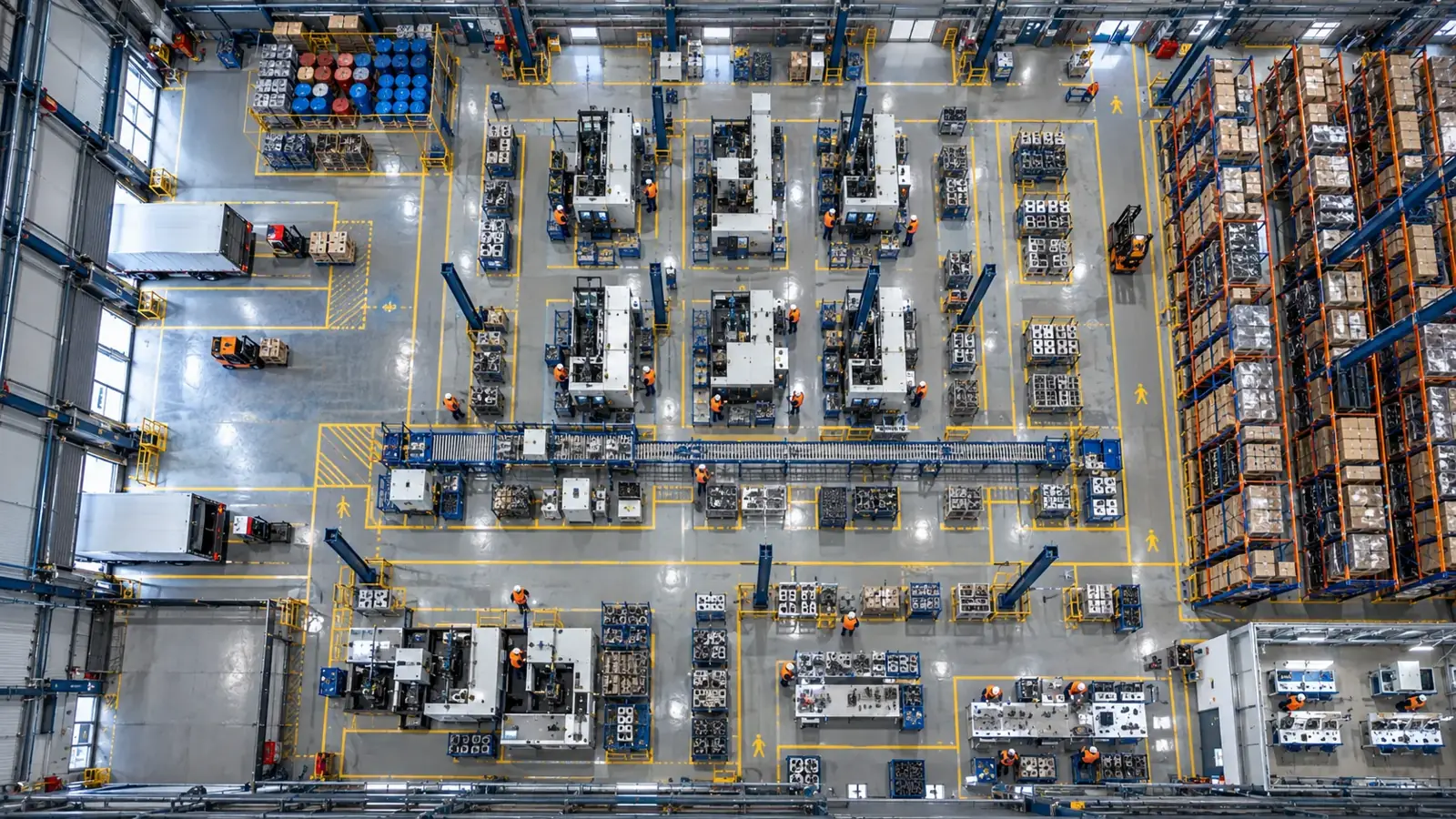
The best AI integration for existing security cameras varies by use case. Built-in AI offers edge processing but depends on camera brand. Central on-premise AI works with any RTSP/ONVIF camera and keeps data local. Cloud AI offers scalability but has privacy and latency trade-offs. Often, a hybrid approach fits best.
Understanding AI Integration Approaches for Existing Security Cameras
There are three main approaches to adding AI capabilities to existing surveillance systems: built-in (in-camera) AI, central on-premise AI, and cloud-based AI. Each approach has unique benefits and limitations depending on installation environment, privacy requirements, and system complexity.
- Built-in AI processes video directly on the camera hardware, minimizing bandwidth but often limited by camera brand and model.
- Central on-premise AI analyzes video streams from multiple cameras on a local server or appliance, enabling flexible deployment regardless of camera brand and preserving data privacy.
- Cloud AI sends video feeds to remote servers for analysis, leveraging large-scale computing but raising latency, bandwidth, and data security concerns.
Built-in (In-Camera) AI: Pros and Cons
Built-in AI cameras incorporate processors that run AI models locally on the device. They provide fast analysis with minimal network load because data is processed where it is captured. However, built-in AI solutions are highly dependent on camera brand and model, reducing flexibility.
Typically, built-in AI excels in straightforward use cases such as motion detection, people counting, or basic object recognition but may not support advanced customization or multiple AI functions.
- Low latency and reduced bandwidth usage
- Limited to specific compatible camera brands/models
- May have constrained processing power and AI model complexity
- Often less flexible to update or customize AI models
Central On-Premise AI: Flexibility and Privacy
Central on-premise AI systems run AI models on local servers or appliances that connect to existing IP/CCTV cameras via open protocols like RTSP and ONVIF. This approach allows integration with virtually any brand of camera that supports standard streaming.
Since analysis happens on-site, it offers maximum data privacy and low latency alerts without dependence on internet bandwidth. Furthermore, central AI systems typically support more advanced AI models and multiple modules such as object detection, classification, pose estimation, and OCR.
Companies like Hype Vision specialize in retrofitting AI to existing cameras using this approach, deploying AI on-premise to protect privacy and keep data within the facility.
- Compatible with most cameras supporting RTSP/ONVIF streams
- Maintains data privacy by keeping video on-premise
- Supports complex, multi-module AI models like Hype-Model
- Enables centralized monitoring and scalable deployment
- Integrates with existing alerting systems (ERP, MES, PLC, VMS popups)
Cloud AI: Scalability vs Privacy and Latency
Cloud AI platforms send video streams or metadata over the internet to remote servers for AI analysis. The cloud enables scaling AI processing power easily and often provides pre-built AI models and ongoing updates without onsite maintenance.
However, cloud AI raises concerns around data privacy and regulatory compliance since sensitive video footage leaves the facility. Internet bandwidth and connectivity also affect reliability and response times, potentially causing latency issues for real-time alerts.
Additionally, some cameras or VMS platforms have limited streaming options that restrict integration with cloud AI, requiring cloud-compatible streams or APIs.
- Scalable and easy to update AI capabilities
- Supports cloud-based integrations and analytics
- Bandwidth intensive; requires reliable internet
- Potential privacy and compliance concerns with off-site data
- Possible increased latency for critical alerts
- Dependent on camera/VMS support for cloud streaming
Comparison Table: Built-in AI vs Central On-Prem AI vs Cloud AI
| Criterion | Built-in / in-camera | Central on-prem AI | Cloud AI |
|---|---|---|---|
| Compatibility with existing cameras | Limited to specific brands/models | Works with any RTSP/ONVIF camera | Depends on cloud-compatible streaming/API |
| Data privacy | Data processed locally, highest privacy | Data remains on-premise, highly private | Data sent off-site, privacy concerns possible |
| Latency / real-time alerts | Very low latency, near-instant alerts | Low latency with local processing | Higher latency, depends on internet speed |
| AI model complexity | Limited processing power restricts models | Supports complex multi-module models (e.g., Hype-Model) | High compute power allows advanced models |
| Scalability | Scales by adding compatible cameras | Scales with on-prem server capacity | Easily scales with cloud resources |
| Maintenance and updates | Camera firmware updates needed | Central server updates; flexible management | Cloud provider handles maintenance and updates |
| Integration with existing systems | Limited; often proprietary | Supports ERP, MES, PLC, VMS via APIs and relays | Integrations through cloud APIs |
| Dependence on Internet | Works fully offline | Works fully offline | Requires reliable internet connection |
Choosing the Right AI Deployment for Your Facility
Each AI approach fits different scenarios depending on your facility’s priorities:
Built-in AI is ideal for straightforward use cases with compatible cameras where bandwidth is limited and minimal hardware added is preferred.
Central on-prem AI is excellent when data privacy and compatibility with a diverse camera fleet are crucial, and advanced AI analytics are needed. It also offers seamless integration with existing alerting and management systems.
Cloud AI suits organizations prioritizing scalability and remote access to AI analytics, provided robust internet connectivity and privacy policies are in place.
In practice, hybrid approaches are common—using built-in AI at the edge for basic tasks and central or cloud AI for deeper analytics.
- Assess camera compatibility (RTSP/ONVIF supported is advantageous)
- Determine data privacy policies and compliance requirements
- Consider network infrastructure and latency sensitivity
- Identify desired AI functionalities (basic detection vs advanced classification/OCR/pose)
- Plan pilot deployment (2-4 weeks recommended) to validate integration and performance
How Hype Vision Enables On-Premise AI for Existing Cameras
Hype Vision specializes in retrofitting AI onto your existing CCTV/IP camera network by connecting to standard RTSP or ONVIF streams regardless of brand. Running fully on-premise, Hype Vision’s 'Hype-Model' family delivers multiple AI modules including object detection, classification, pose estimation, and OCR while preserving privacy.
Alerts and integrations can be delivered through dashboard notifications, WhatsApp or SMS messaging, VMS popups, PLC/relay outputs, ERP/MES software, and REST APIs. This makes Hype Vision ideal for manufacturers, warehouses, and industrial facilities seeking AI benefits without overhauling infrastructure or risking sensitive data exposure.
Hype Vision recommends a 2-4 week pilot to evaluate AI capabilities in your environment, ensuring seamless integration with existing cameras and workflows.
General Considerations and Compliance
When adding AI to security cameras, organizations should consider local and industry-specific privacy regulations and ensure that personal data is handled responsibly. On-premise AI solutions offer greater control and reduce compliance risks by avoiding off-site data transfer.
This guide provides general information and should not be construed as legal advice concerning OSHA, ANSI, FDA, or any regulatory compliance.
This page answers: best ai for existing cameras · ai for security cameras you already have · retrofit ai cctv · add ai to existing cctv
Frequently asked questions
Can AI be added to any existing security camera system?
Most IP cameras supporting open streaming protocols like RTSP or ONVIF can be integrated with central on-premise AI systems. Built-in AI depends on camera model, while cloud AI requires compatible streaming and sufficient internet bandwidth.
What are the privacy benefits of on-premise AI versus cloud AI?
On-premise AI processes video within your facility, ensuring sensitive footage does not leave your premises, which supports stricter privacy control and compliance. Cloud AI transmits data over the internet, potentially increasing privacy risks.
How complex is the setup for retrofitting AI to existing cameras?
Retrofitting AI typically involves connecting AI servers or appliances to camera streams via RTSP/ONVIF and configuring AI models and alerting. Vendors like Hype Vision offer pilots lasting 2-4 weeks to validate the integration and tune AI performance.
Can built-in AI cameras run the same advanced models as central AI systems?
Built-in AI cameras often run simpler algorithms due to hardware limits. Central on-premise AI systems leverage more powerful processors, allowing complex multi-module AI models like object detection, classification, pose estimation, and OCR.
Is internet required for on-premise AI solutions?
No, fully on-premise AI solutions operate independently of internet connectivity, which makes them suitable for facilities with limited or restricted internet access and enhances data privacy.
How do alerting and integration work with central AI systems?
Central AI platforms integrate with existing facility systems via dashboards, messaging (WhatsApp/SMS), VMS popups, PLC/relay controls, ERP/MES software, and REST APIs, allowing flexible real-time alerts and workflow integration.
What can AI detect in your factory?
Let's review together which safety, quality and production analytics your existing security cameras can deliver.
- Free 15-minute technical call
- Camera infrastructure pre-assessment
- Feasible AI scenarios