
How to Add AI to Existing Security Cameras — Step-by-Step StartLearn how to retrofit your RTSP/ONVIF-enabled security cameras with AI using edge servers and Hype-Model modules, from connection to pilot steps.
Industrial environments increasingly rely on AI-powered image processing for enhanced safety and operational efficiency.
You can upgrade your existing IP/CCTV cameras without replacing them by connecting via RTSP/ONVIF protocols.
This guide explains the process clearly and technically, including connection details and pilot project stages.
Why Add AI to Existing Cameras?
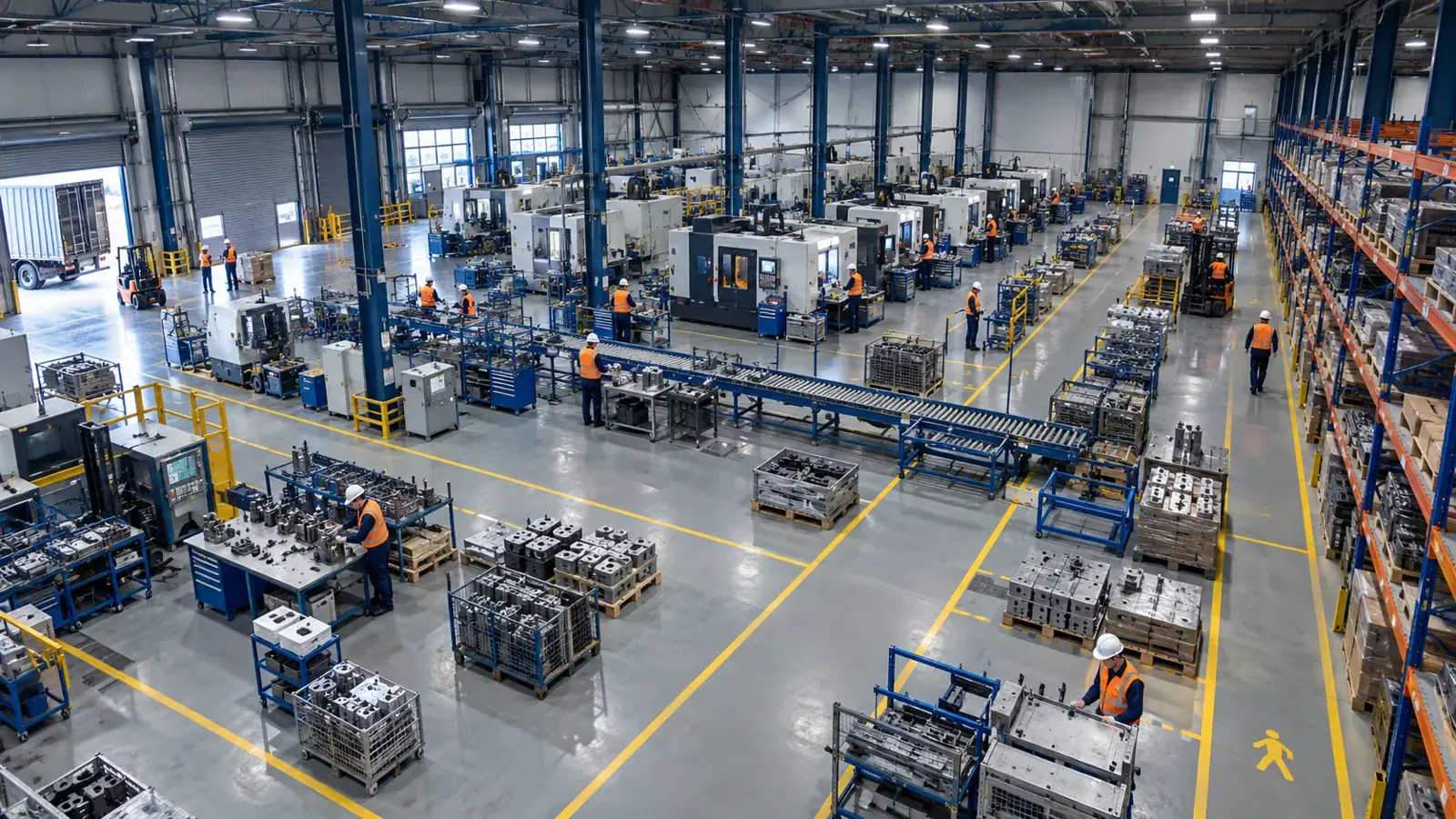
AI-driven analytics help with PPE compliance, forklift-pedestrian detection, restricted area monitoring, fire-smoke detection, product counting, quality control, and OEE improvements.
Upgrading existing infrastructure avoids costly new camera or system investments while boosting safety and efficiency.
- Cost savings on new hardware
- Faster deployment timelines
- Brand-agnostic compatibility
- Compliance with data privacy regulations
- Fast and secure processing via edge servers
What Are RTSP and ONVIF? Why Do They Matter?
RTSP (Real Time Streaming Protocol) and ONVIF (Open Network Video Interface Forum) are common standards to access video streams and control devices from IP/CCTV cameras.
They enable connection to different camera brands/models without proprietary software.
- RTSP: Standard protocol for live video streaming.
- ONVIF: Standard for camera control (PTZ) and device management.
- Most modern IP cameras support these protocols.
Integration with Edge Server and Hype-Model Software
AI processing and image analysis usually run on onsite (edge) servers instead of cloud platforms.
This enhances data security, reduces latency, and ensures compliance with regulations like GDPR.
- Connecting camera RTSP/ONVIF streams to the edge server
- Selecting appropriate Hype-Model AI modules (e.g., PPE helmet detection, forklift-pedestrian separation, restricted zone alerts)
- Real-time video analysis using AI algorithms
- Delivering actionable insights to dashboards and operational workflows
Pilot Process — Typical 2-4 Week Initial Phase
The pilot phase includes site assessment, camera compatibility check, streaming tests, and algorithm validation.
It typically lasts 2 to 4 weeks and helps define the most suitable AI modules for your operations.
- Assessing cameras and network infrastructure
- Testing RTSP/ONVIF connectivity
- Deploying and testing Hype-Model modules on-site
- Evaluating performance and security
- Reporting results and planning next steps
Next Step: Start with a Free Pre-Assessment
Begin by evaluating your existing cameras’ readiness for AI integration through a free pre-assessment.
This helps create a tailored roadmap considering your infrastructure and requirements.
Related solutions
Frequently asked questions
Do I need to replace my cameras to add AI?
No, you can retrofit AI analytics onto your existing IP/CCTV cameras as long as they support RTSP and ONVIF protocols.
What are the benefits of using an edge server?
Edge servers improve data security, reduce latency, and enhance compliance with privacy regulations like GDPR, while minimizing dependence on internet connectivity.
How do I choose the right Hype-Model AI modules?
Modules are selected based on your needs, such as PPE compliance, restricted area detection, or fire alerts. The pilot phase helps define what fits best.
What happens during the pilot phase?
Site and camera evaluations are performed, AI models are tested and optimized, and performance is assessed to recommend next steps.
Is AI integration compliant with data privacy regulations?
Yes, using edge servers and privacy-conscious software design helps protect personal data. This information is general and not legal advice.
What can AI detect in your factory?
Let's review together which safety, quality and production analytics your existing security cameras can deliver.
- Free 15-minute technical call
- Camera infrastructure pre-assessment
- Feasible AI scenarios